Xtream Codes · 6 min read · Updated on 2026-11-17
How to use Xtream Codes login in a web browser
Xtream Codes API credentials automatically separate live streams, movies, and multi-season series folders. Learn how to connect safely from any browser while keeping credentials strictly on your own device.
How Xtream Codes API differs from flat M3U files in a web player
When connecting a personal media source, providers typically hand out either a long M3U download link or three separate credentials: Server URL (DNS/Host), Username, and Password. Those three fields belong to the Xtream Codes HTTP API standard (centered on player_api.php), which offers major structural advantages over downloading a monolithic text file.
Instead of forcing your phone or laptop to download a 60 MB text file containing every channel, movie, and episode on a single line, the Xtream Codes protocol exposes separate JSON endpoints for Live categories, VOD movies, and multi-season Series. Episodes stay cleanly nested inside their respective series and season, cover posters and plot metadata load cleanly, and your external line expiration date can be inspected directly inside the player.
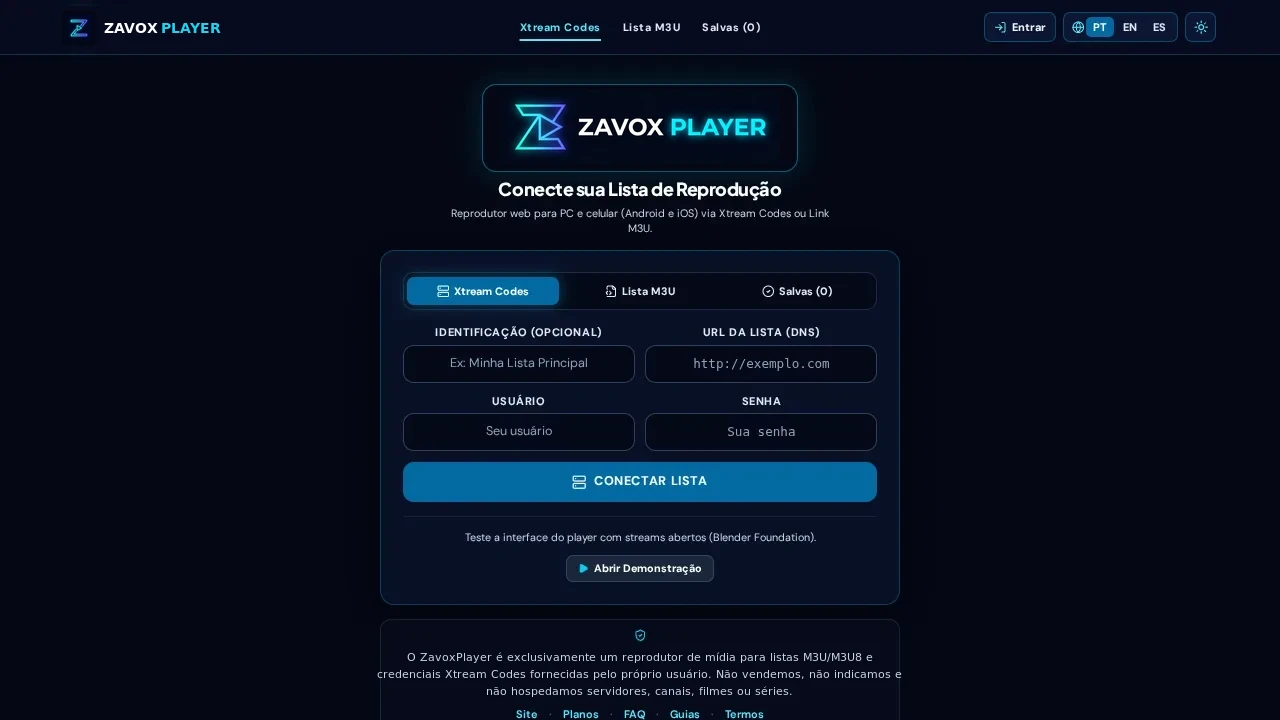
Even better, ZavoxPlayer includes smart URL extraction on the connection screen: if you paste a complete get.php?username=...&password=... link directly into the Server URL field, the form automatically parses and fills the clean host URL, username, and password fields for you without manual editing.
- Clean separation between TV, VOD Movies, and multi-season Series episodes.
- Displays external provider status and expiration date under Account → Playlists.
- Smart autofill extracts host, username, and password automatically from pasted get.php links.
- Supports background catalog update checks without wiping your favorites or watch progress.
Strict on-device credential privacy: IndexedDB only, never Firestore
Typing personal server credentials into random "free online IPTV player" websites is risky because many poorly built sites log query parameters or store plaintext passwords in shared cloud databases. ZavoxPlayer was architected specifically to eliminate that risk.
Your Xtream Codes Server URL, Username, and Password are saved exclusively on your local device inside IndexedDB and are NEVER written to Firebase Firestore. Cloud authentication (via Google or Magic Link) stores only your ZavoxPlayer software license status, up to 3 authorized device identifiers, and Mercado Pago PIX billing records.
During video playback, ZavoxPlayer connects directly from your browser whenever supported by the target host. Only when an external host blocks browser CORS requests or serves unencrypted HTTP streams inside an HTTPS page does the player fall back to the rate-limited /api/stream proxy, which enforces anti-hotlinking and never records stream URLs or credentials in server logs.
Formatting Server URLs (DNS) accurately to avoid login errors
Ninety percent of Xtream login failures come down to subtle formatting mistakes when copying credentials from mobile chats. Make sure the Server URL includes the exact protocol (http:// or https://) and port number (such as :8080, :80, or :2095) supplied by your provider, without trailing paths like /c/ or /player_api.php.
Also remember that usernames and passwords in Xtream panels are strictly case-sensitive. Mobile keyboards often capitalize the first letter of a username or append a trailing space after pasting; ZavoxPlayer trims outer whitespace automatically and sets proper autocomplete attributes so password managers behave predictably.
Step-by-step instructions
- 01.
Sign in at /app to activate your 48-hour free player trial
Open /app and sign in with Google or passwordless email Magic Link. New accounts receive 48 hours of full access with no credit card required.
- 02.
Select the Xtream Codes tab and enter Profile Name, Server URL, Username, and Password
Type the exact http:// or https:// host URL and case-sensitive credentials — or paste your full get.php URL into the Server box to autofill all three fields.
- 03.
Wait a few seconds for step-by-step category indexing
ZavoxPlayer authenticates first and then fetches Live, Movies, and Series categories progressively, caching the structured catalog inside local IndexedDB.
- 04.
Configure optional Parental PIN and enjoy across up to 3 devices
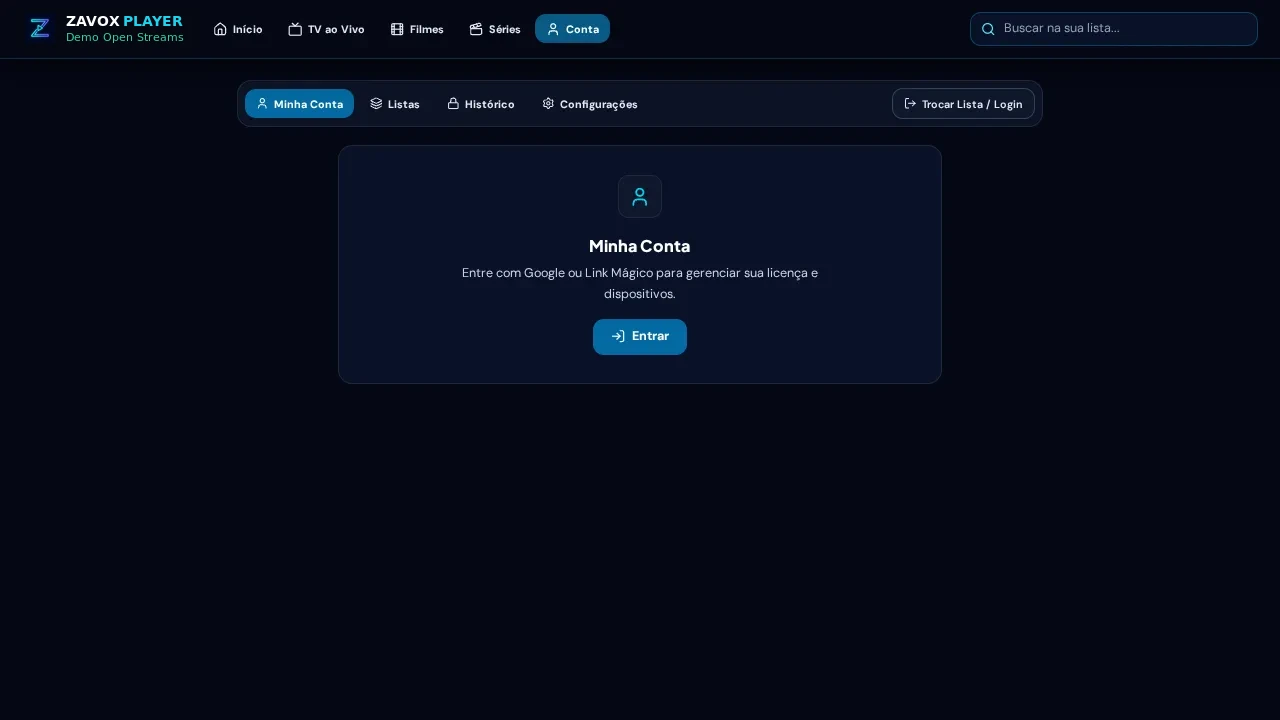
Navigate through your folders, lock sensitive categories with a 4-digit PIN if desired, and check your connected devices anytime under My Account.
Guide FAQ
Are my Xtream Codes username and password ever stored in Firestore?
Never. Xtream credentials, M3U links, EPG caches, and watch history stay exclusively inside your local browser IndexedDB storage.
Does ZavoxPlayer sell or renew Xtream Codes accounts?
No. ZavoxPlayer licenses strictly the web media player software (Annual or Lifetime). We do not sell, host, or provide IPTV accounts or channel lists.
What happens to my saved Xtream profile if my 48h trial or Annual plan expires?
Your saved profiles remain intact inside your local browser storage. The app continues opening cleanly and presents the plan activation screen whenever you decide to renew.
Ready to try ZavoxPlayer?
Open the zero-signup demo or sign in with your email for a 48h free trial.