Comparison · 7 min read · Updated on 2026-11-17
Best IPTV players for PC and mobile (honest comparison)
No single player wins on every platform. This honest comparison outlines where native TV apps like TiviMate excel versus desktop tools like VLC and cross-device web players like ZavoxPlayer.
An honest comparison: why no single media player wins every screen
Searching for the "best M3U or Xtream media player" usually turns up biased rankings that pretend one app is flawless everywhere. In reality, an Android TV box controlled with an infrared remote in a living room has completely different ergonomic and codec needs than a MacBook, a work Windows PC, or an iPhone.
First, an essential legal and technical reminder: legitimate players — including VLC Media Player, Kodi, TiviMate, IPTV Smarters, IBO Player, and ZavoxPlayer — are strictly empty media player software. None of them legitimately bundle, host, or sell television channels, movies, or series.
- ZavoxPlayer (Web & PWA): Best for instant browser & mobile PWA use across PC, Mac, Linux, Android, and iOS with 1 account for up to 3 devices.
- TiviMate: Best dedicated living-room experience for Android TV / Google TV boxes with physical remotes (not built for PC or iOS).
- VLC Media Player: Best free open-source desktop player for local video files and exotic offline codecs, though lacking VOD poster folders and Xtream API UI.
- Kodi: Best customizable open-source Home Theater PC (HTPC) center, though heavy to configure just to open an M3U/Xtream catalog.
Where desktop utilities and MAC-locked TV players create friction
VLC is legendary for playing almost any local file on Earth, yet pasting a 25,000-entry M3U playlist into VLC yields a plain text tree with zero cover posters, no multi-season series grouping, no Xtream Codes JSON login, and no 4-digit parental PIN lock per folder.
Meanwhile, many traditional IPTV apps lock paid activations to a single hardware MAC address. If you format your PC, switch browsers, or upgrade your phone, transferring a MAC-locked activation is painful — and downloading unofficial Windows ".exe" ports of mobile players exposes your PC to bundled malware.
When ZavoxPlayer is the ideal choice (and when another app fits better)
If your sole screen is a dedicated Android TV stick in the living room controlled exclusively by a directional remote, a native TV app like TiviMate remains purpose-built for that 10-foot interface. Conversely, if you watch on a Windows PC, MacBook, Linux workstation, Android phone, iPhone, or iPad — and want zero risky installers, instant Web Worker search, local-only IndexedDB credential privacy, and one email-bound license across up to 3 devices — ZavoxPlayer was engineered specifically for your workflow.
Best of all, you never have to buy blind: Open Demo works immediately with zero registration using Blender Foundation open films, every new account gets a 48-hour full trial with no credit card, and paid PIX licenses carry a 7-day refund guarantee.
Step-by-step instructions
- 01.
Identify the screens you actually use every week
Choose native TV-remote apps for dedicated Android TV boxes, and choose ZavoxPlayer when you watch across desktop browsers, laptops, Android phones, iPhones, or iPads.
- 02.
Test responsiveness and codecs with Open Demo and the 48h free trial
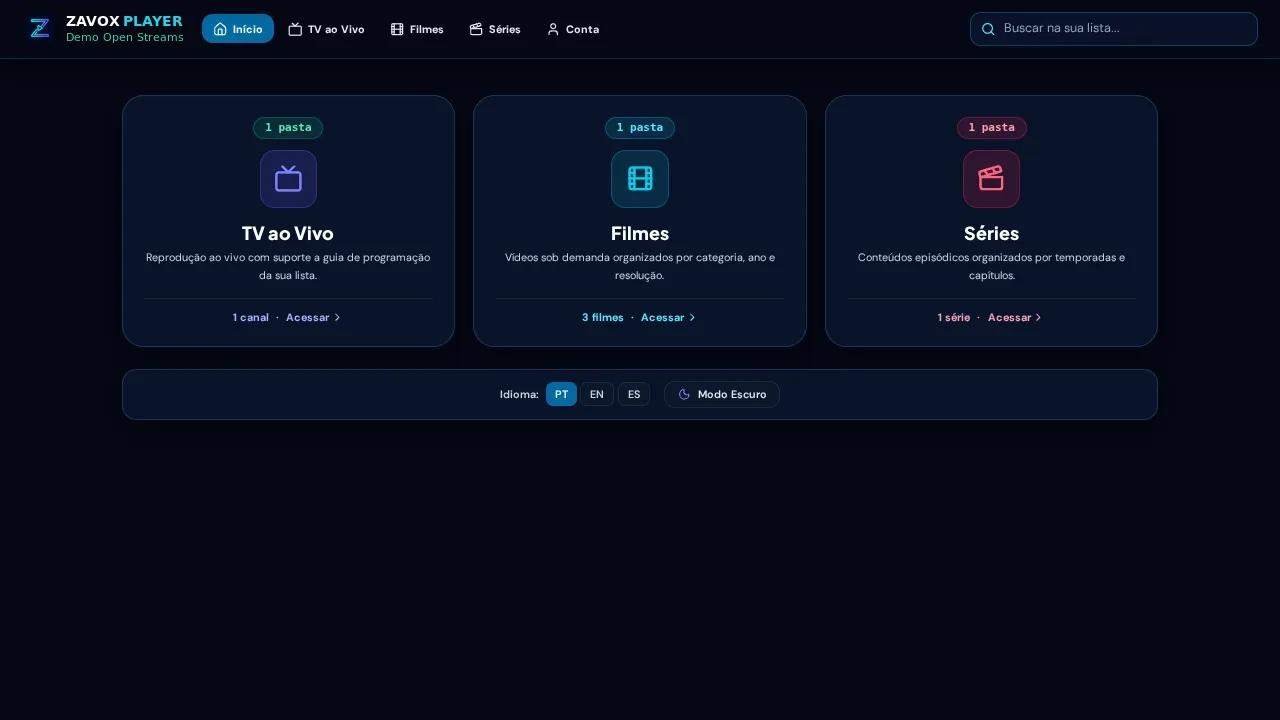
Open /app?demo=1 with zero signup first, then sign in with your email to test your own M3U or Xtream source free for 48 hours without a credit card.
- 03.
Pick Annual or one-time Lifetime only after validating your setup
Once satisfied, activate Annual (365 days) or Lifetime on up to 3 devices with a 7-day refund guarantee.
Guide FAQ
Do VLC, TiviMate, Kodi, or ZavoxPlayer include channel lists?
No. Every legitimate player on this list is strictly software for playing media sources that the user already owns or has authorization to access.
Why choose ZavoxPlayer over VLC on Windows or Mac?
ZavoxPlayer adds native Xtream Codes API support, automatic Live/Movies/Series folder posters, EPG schedules, parental PIN locks, resume watching, and zero software installation.
What if ZavoxPlayer does not fit my workflow after paying?
In addition to the 48-hour free trial prior to purchase, Annual and Lifetime PIX licenses include a full 7-calendar-day refund right via /en/contact or suporte@zavoxplayer.com.
Ready to try ZavoxPlayer?
Open the zero-signup demo or sign in with your email for a 48h free trial.