
Technical Basics · 6 min read · Updated on 2026-11-17
M3U vs M3U8 vs Xtream Codes: key differences explained
M3U, M3U8, and Xtream Codes all point a media player to streams, yet behave very differently for UTF-8 accents, adaptive bitrates, EPG metadata, and multi-season series.
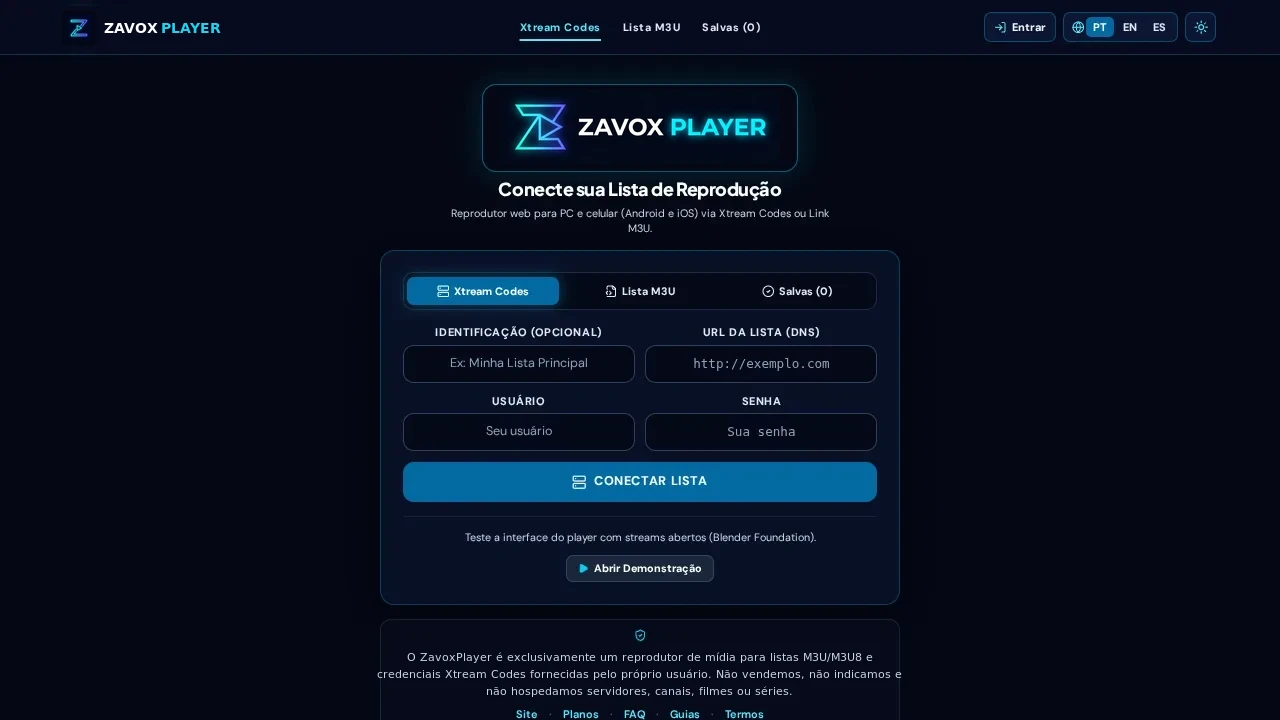
M3U vs M3U8: character encoding and adaptive HLS streaming explained
Although people often use "M3U" and "M3U8" interchangeably, understanding the distinction helps you pick the most reliable link for web browsers. Classic .m3u originated in the late 1990s for MP3 playlists without strict character encoding rules, which sometimes caused garbled accents in Portuguese, Spanish, or French titles.
An .m3u8 file explicitly mandates UTF-8 character encoding — guaranteeing crisp international typography — and plays two distinct roles in modern streaming: 1) a master catalog playlist listing multiple channels/VOD items with #EXTINF metadata tags, and 2) an Apple HTTP Live Streaming (HLS) media manifest breaking a video broadcast into short, adaptive HTTP segments that adjust quality dynamically and play natively in Safari and HLS.js.
- M3U: Classic plain-text playlist listing titles, group-title folders, logos, and stream URLs.
- M3U8: UTF-8 encoded playlist and the universal standard for adaptive HLS browser streaming.
- Xtream Codes API: Structured JSON client-server protocol using Server URL, Username, and Password.
How Xtream Codes API improves large VOD and multi-season Series catalogs
When a personal catalog grows beyond a few thousand entries — especially with multi-season TV series — a single flat M3U text file becomes inefficient. Every episode of every season appears as an individual line item, forcing text parsers to infer seasons from filenames and requiring you to re-download the entire file to check for updates.
Xtream Codes replaces that giant text download with structured JSON requests (player_api.php). TV, Movies, and Series load cleanly into dedicated hierarchies, episodes stay grouped by season on demand when you click a series card, synopses and ratings come structured as JSON fields, and external account status/expiration metadata is available instantly.
Which format should you choose on PC, Android, and iPhone?
Rule of thumb: whenever your media source provides Server URL (DNS), Username, and Password, connect via the Xtream Codes tab in ZavoxPlayer for faster syncing, cleaner series seasons, and lighter memory footprint. Even if you only have a long get.php?username=...&password=... link, pasting it into the Xtream Server field auto-extracts your credentials cleanly.
Use the M3U / M3U8 tab when connecting custom curated playlists, corporate/educational HLS broadcasts, local network encoders, or providers that distribute standalone .m3u8 URLs without Xtream panels. When exporting an M3U link for browser use, always prefer output=m3u8 over output=ts.
Step-by-step instructions
- 01.
Inspect the connection details provided by your media source
Check whether you received Host + Username + Password, a get.php link with credentials, or a standalone .m3u / .m3u8 file URL.
- 02.
Use Xtream Codes for credential-based panels and multi-season series
Open /app, choose Xtream Codes, and fill in Server, Username, and Password (or paste the get.php URL to autofill).
- 03.
Use M3U / M3U8 for direct playlist links (preferring output=m3u8)
Switch to the M3U tab for direct links so the Web Worker indexes your group-title categories into local IndexedDB.
Guide FAQ
Does video quality differ between Xtream Codes and M3U8?
Video bitrate comes from the upstream stream itself, so picture quality is identical — Xtream simply organizes large catalogs, series seasons, and EPG metadata much more cleanly.
Why does ZavoxPlayer use new URL() when resolving .m3u8 segments?
Using standard WHATWG new URL(segment, baseManifest) resolution prevents malformed concatenated URLs on relative HLS sub-manifests across CDN edge nodes.
Are both M3U links and Xtream credentials kept private on my device?
Yes. Both profile types are saved strictly inside your browser IndexedDB storage and are never uploaded to Firestore.
Ready to try ZavoxPlayer?
Open the zero-signup demo or sign in with your email for a 48h free trial.